Exporting an Inconsistency Report
Introduction
Codeit's Export Wizard features an Inconsistency Report export which allows you to quickly check the consistency of your project's coding. This article outlines the process of exporting an Inconsistency Report through the Export Wizard.
Exporting an Inconsistency Report
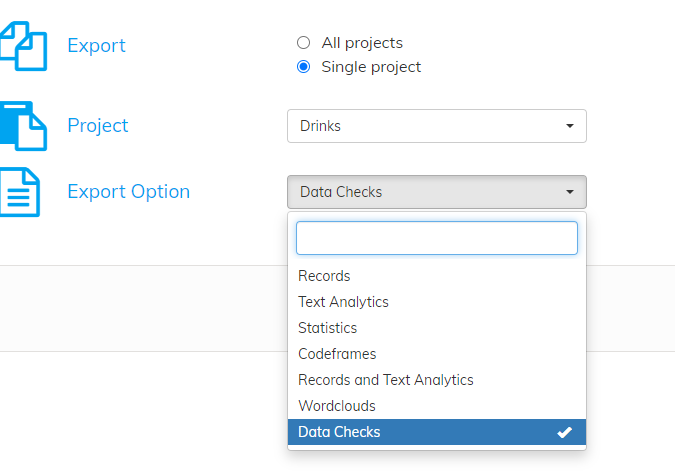
From the Export Wizard, select 'Data Checks' from the 'Export Options' dropdown:
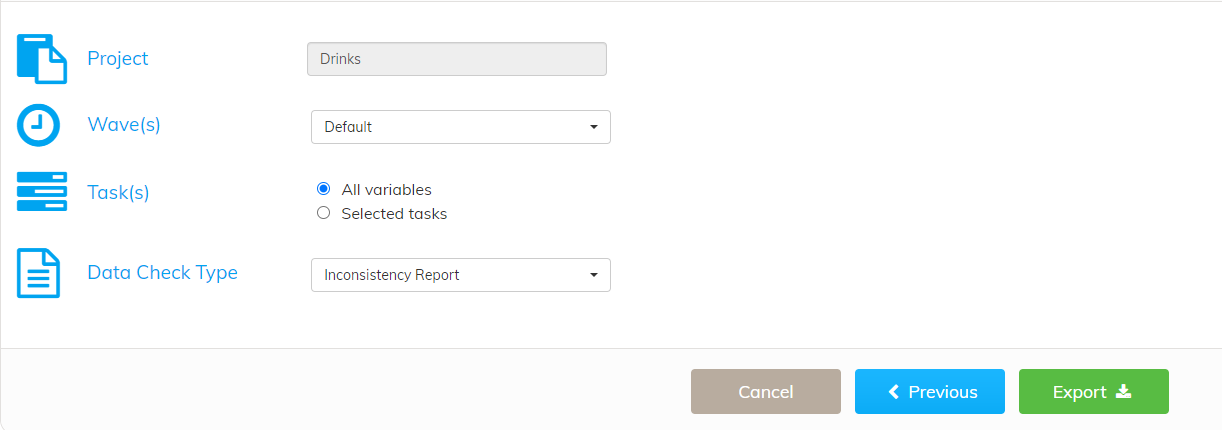
Select the waves and tasks you wish to check, then click the green 'Export' button:
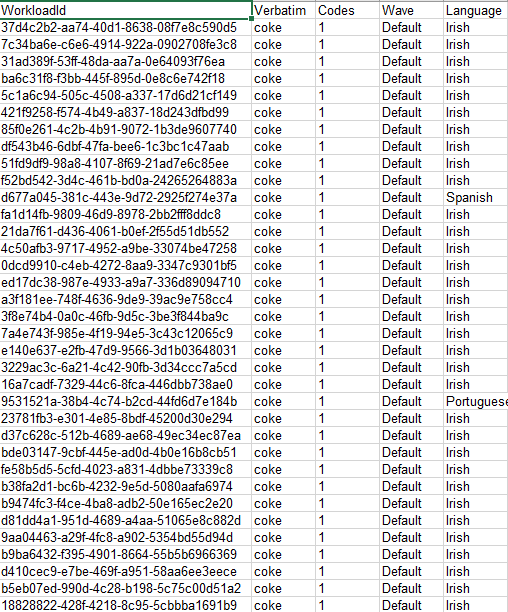
If successful, a file will be exported with two sheets per task. The first of these sheets lists out the verbatims of the workloads coded inconsistently within the task and wave:

The second sheet lists out the workload IDs for the inconsistently coded workloads:
For more information on how to use these workload IDs, please click here.