Data Tools: Delete Coded Data
Introduction
This data tool is to be used in conjunction with the Inconsistency Check export. For more information on this export, please click here.
This data tool lets you to uncode one or more workloads in a project provided that you have their workload IDs, which are provided through the Inconsistency Check export.
Deleting coded data for workloads
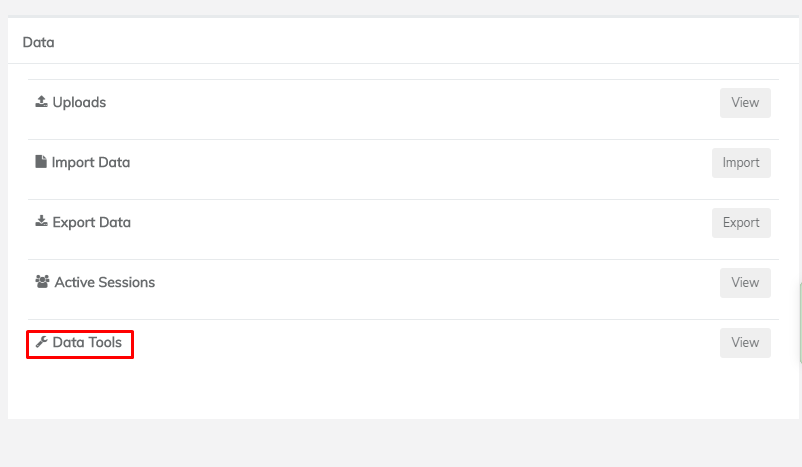
From the Admin dashboard of the project you wish to uncode workloads in, click 'Data Tools' under 'Data:
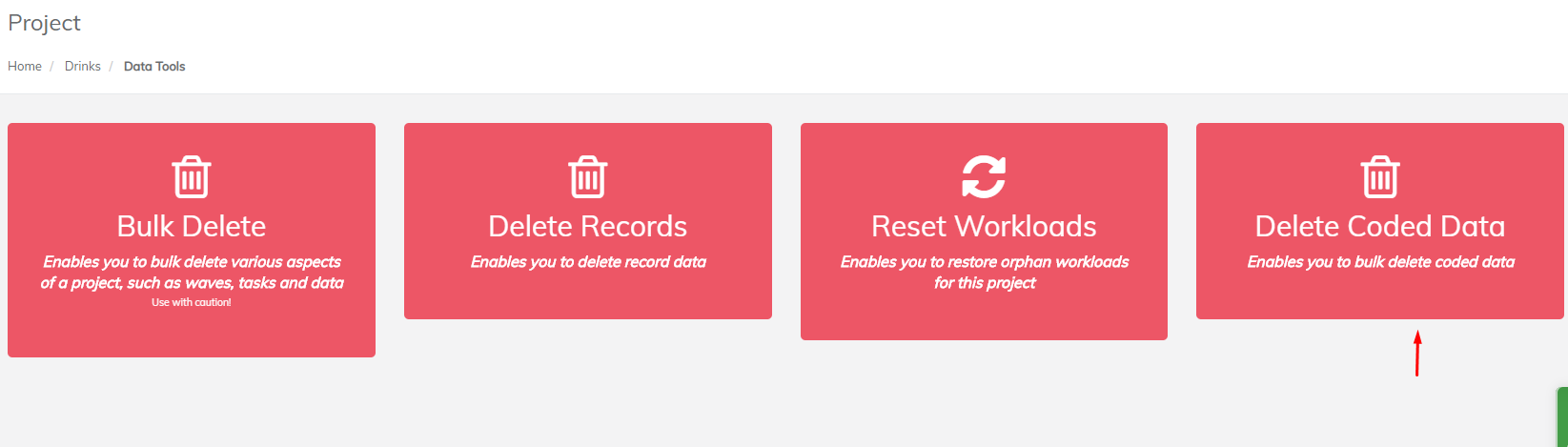
From here, click 'Delete Coded Data':
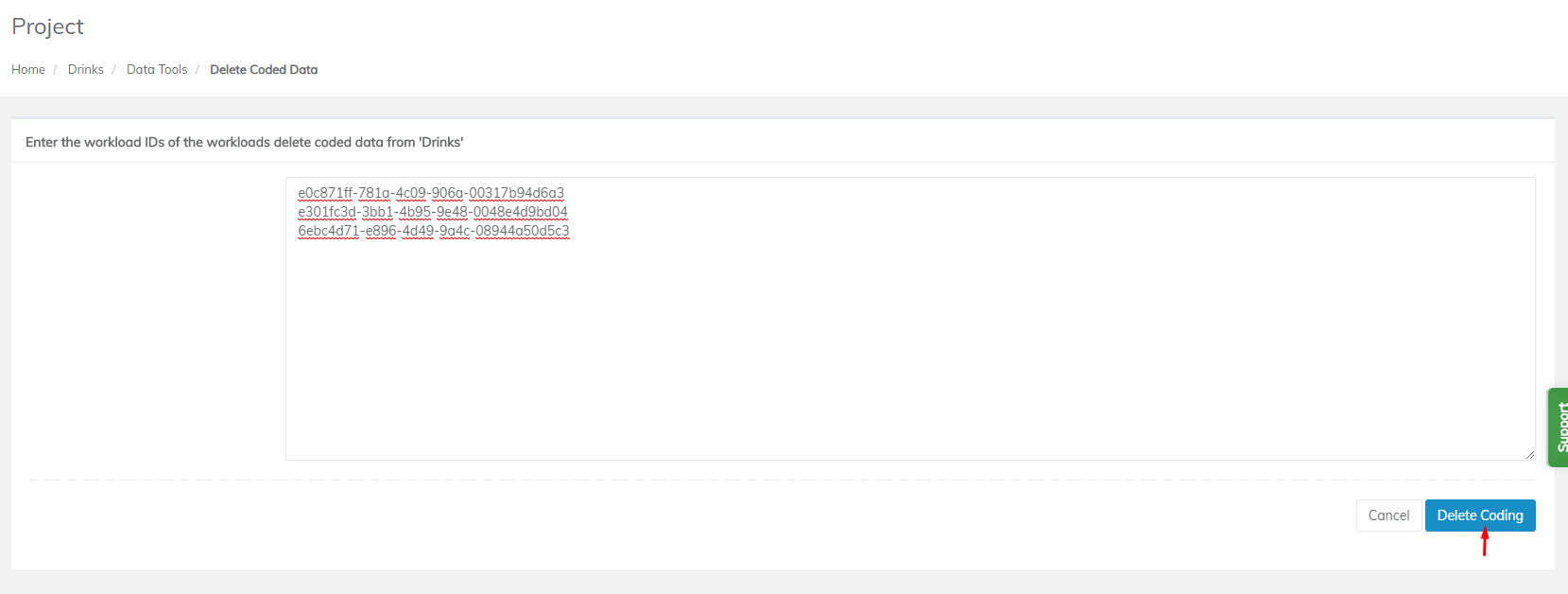
On this page, paste in the workload IDs of the workloads you wish to uncode in the text box, then click 'Delete Coding:
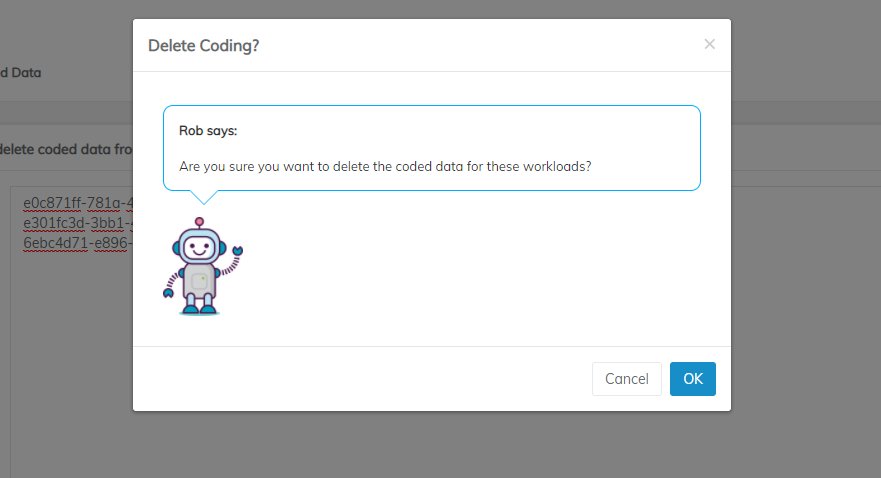
Click 'OK' in the confirmation dialog if you wish to continue:
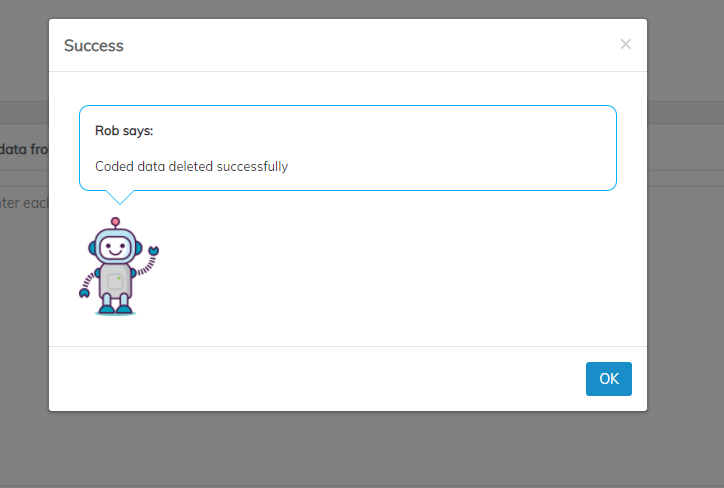
If successful, another dialog should pop up with a success message: