Data Tools: Import 'Translation Feed' File
Introduction
This data tool is to be used in conjunction with the Translation Feed export.
This data tools lets you manually import translations into Codeit should you wish to do so.
Importing a 'Translation Feed' file
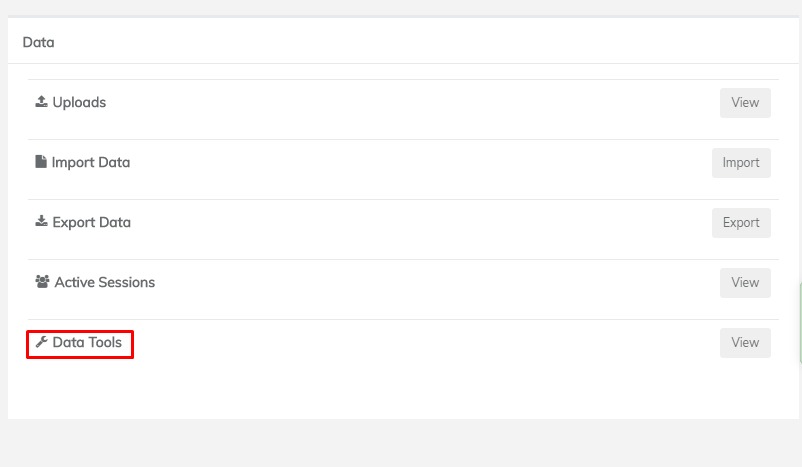
From the Admin dashboard of the project you wish to import your file into, click 'Data Tools' under 'Data':
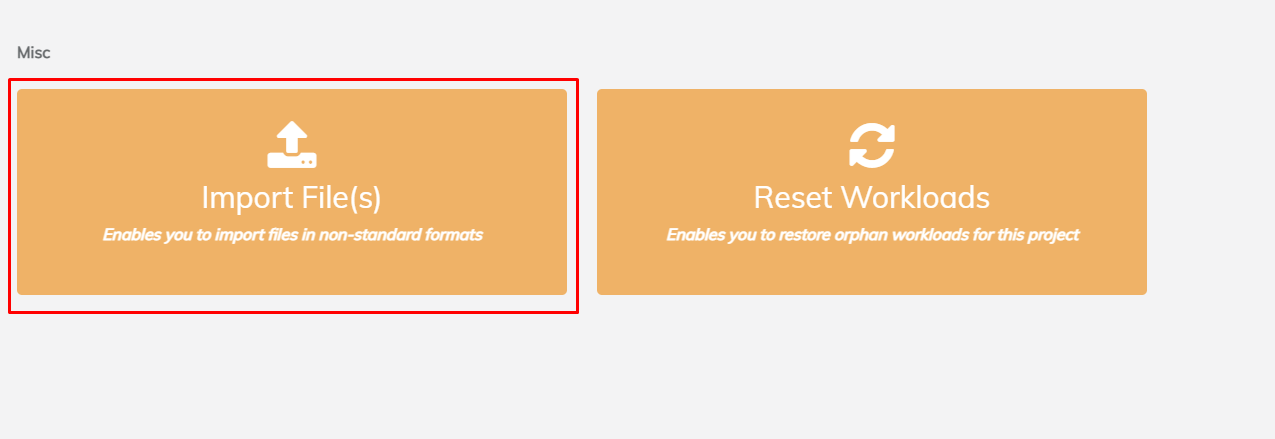
From here, click 'Import File' under 'Misc':
On this page, click 'Choose File...' and select the 'Translation Feed' file you wish to import. Note: this file must be in Excel Workbook (XLSX) format.

Then select 'Translation Feed' as the file format:

Click the 'Import' button to import the translations into the project. If all is successful, the translations should now be imported into the project.
If the import has failed, please contact support.