Reusing Codeframes
Introduction
After you have spent time and effort creating a codeframe and using it to code, it is common to want to reuse it in order to get the maximum benefit from it.
This article explains the three different ways that this can be achieved in Codeit and considers the relative merits of each approach.
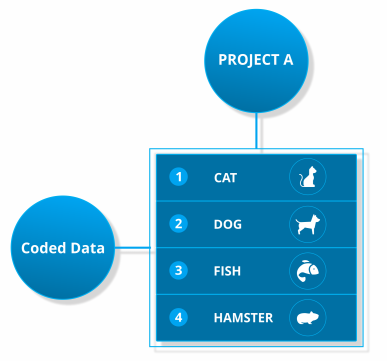
Then, suppose another pet ownership project, "Project B", comes along. You want to reuse all your hard work from Project A, so what are your options?
Option 1 - Copy Codeframe
The simplest and most obvious option is to make a straight copy of the codeframe. This will result in a setup like so:
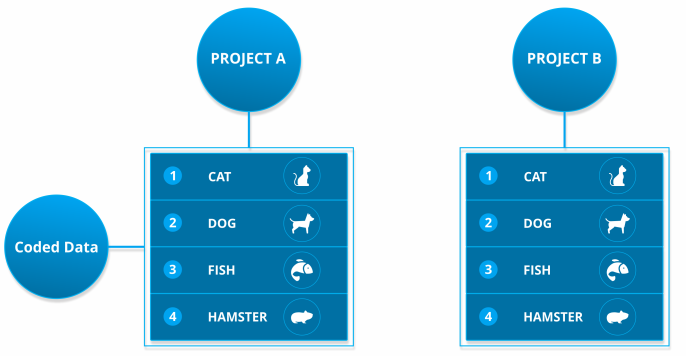
Using this approach means you don't have to create a codeframe from scratch, which saves time. The codeframe in Project B is also a completely new, separate codeframe with no connection to the one in Project A.
This is good because any changes you make to the Project B codeframe will not affect the codeframe in Project A. However, the downside of this separation is that Project B has no access to the coding history created in Project A. This means that this history is not available to Project B to help boost the Codeit autocoding.
Option 2 - Codeframe Sharing
To resolve the shortcomings of Codeframe copying, we might instead "share" the codeframe between both projects. Under this setup we only have one single codeframe which both projects refer to, like so:
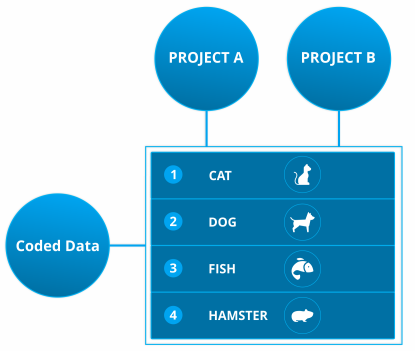
This approach resolves the problem of coding history - all the coding history from Project A is now available to Project B via the codeframe, which will boost the autocoding on Project B.
However, suppose Project B also contains data about exotic pets, so we now need to add Snakes, Spiders and Reptiles to the codeframe, like so:
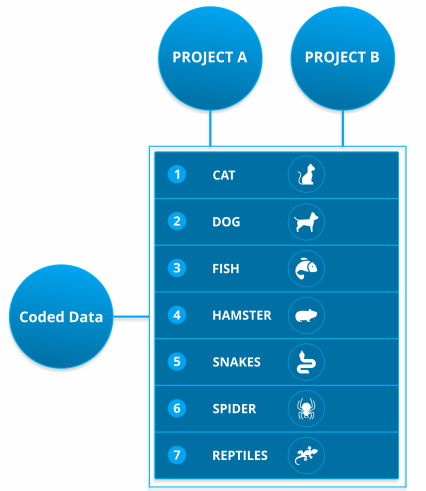
Because both projects are sharing a single codeframe, any changes made to the codeframe will appear in both projects. So, any reporting for Project A will now include exotic pets that aren't relevant.
This is an issue that can quickly get out of hand, especially if you're using a "Master" codeframe in multiple projects. The "Master" codeframe will quickly get into a mess.
To resolve this problem, we could "unshare" this codeframe (maybe we do that after the autocoding is done, but before adding the exotic pets). So we end up with this setup:
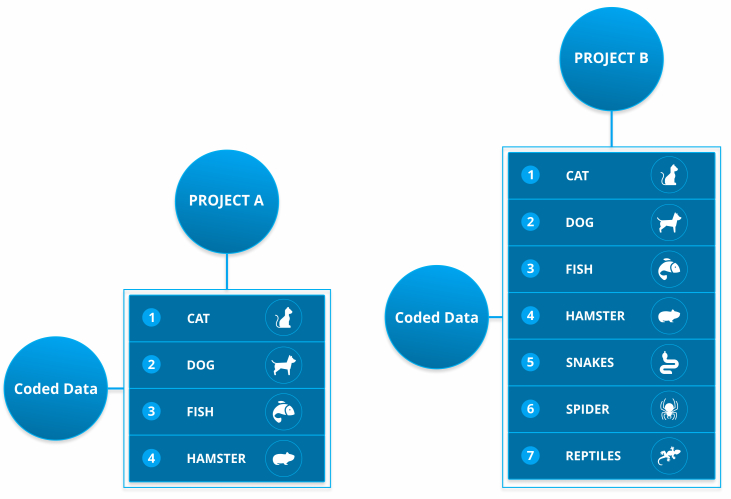
This approach creates two independent codeframes, so we're free to make changes to one without affecting the other. However, now that these codeframes are independent, we've lost the ability to pool the coding history to aid autocoding. Any future projects that reuse these codeframes will not be able to benefit from the full coding history because we've fragmented our coded data.
Option 3 - Import Codeframe Elements
As an alternative approach, Codeit offers a unique feature that gives you a more sophisticated mechanism to handle sharing of content between codeframes.
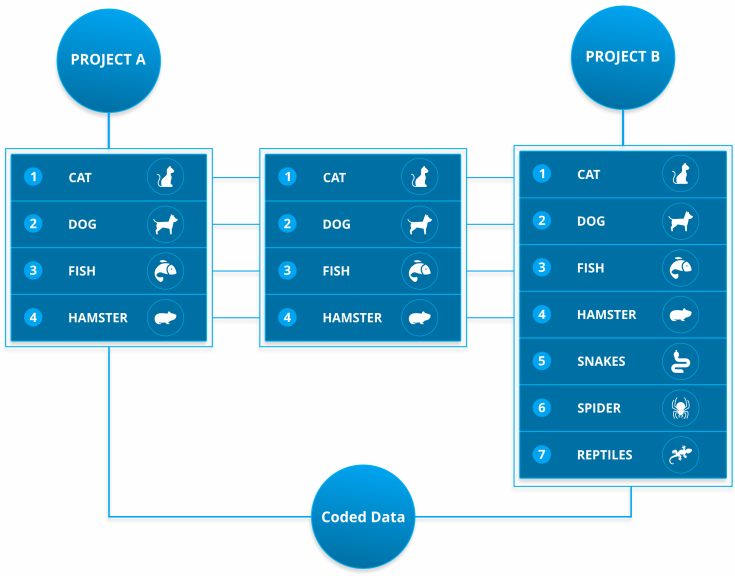
With this approach, you can import individual existing elements into your codeframe in order to reuse them, rather than having to reuse the entire codeframe.
This gives us the best of both worlds: the coding history is pooled between projects to maximise autocoding and we're free to make changes to each codeframe independently without inadvertently affecting other codeframes.
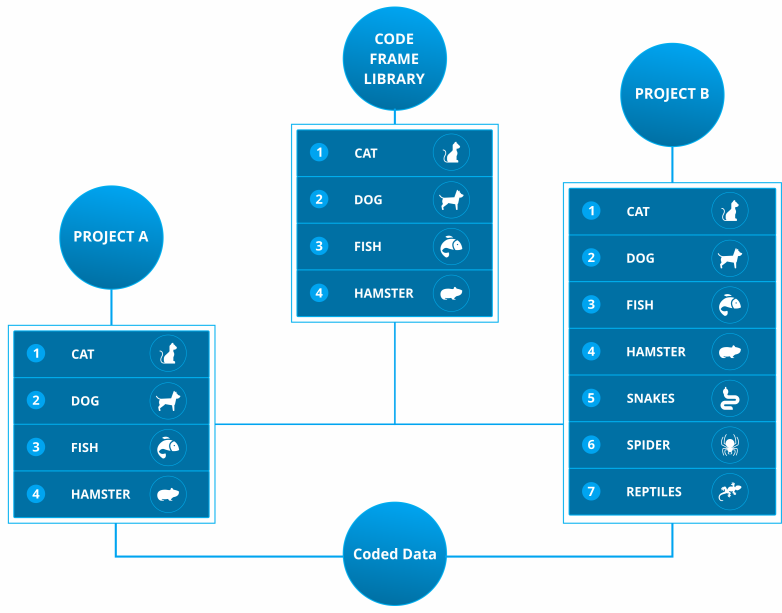
Codeit also allows you to go one step further and package reusable elements into a codeframe library. This makes it very easy for users to locate elements and build up their codeframes with maximum reuse.
Summary
Codeit offers three different methods to reuse codeframes and previously coded data. Copying and sharing have drawback that are solved by "Importing" elements instead.
Thinking about codeframes in terms of "libraries" of codes is the best way to organise and reuse codeframes.
| Copy Codeframe | Share Codeframe | Import Elements | |
| Reuse Coding History | X | ✓ |
✓ |
| Independent Codeframe Changes | ✓ |
X |
✓ |