Synchronising Data
To begin coding verbatims for a project imported using a Data Link, you must first "synchronise" the data from Deciphjer with your Codeit project.
On the Project page, select the "sync" dual-arrow button on the left of your project. The "Log" link will be useful to debug any issues that arise during the process.

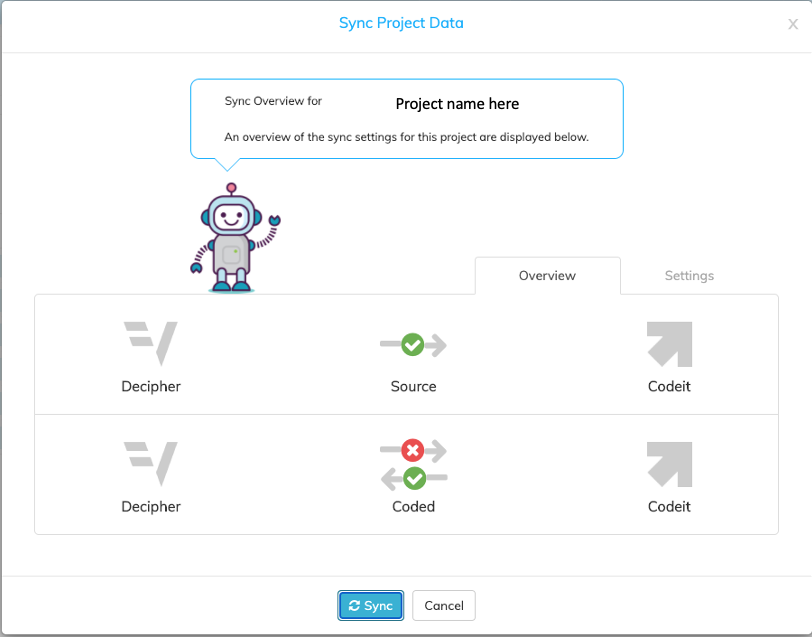
Click the "sync" button to import the data from Decipher to your Codeit project. As new data becomes available in the Decipher survey, you can select the Sync button, as needed.
