Data Tools: Resetting Orphan Workloads
Introduction
In the event that there are some records which are unable to be accessed but are not currently checked out by any user, it might help to make use of the Reset Orphan Workloads tool to return orphan workloads back into the queue for processing. This article outlines the process of resetting one or more orphan workloads.
Resetting orphan workloads
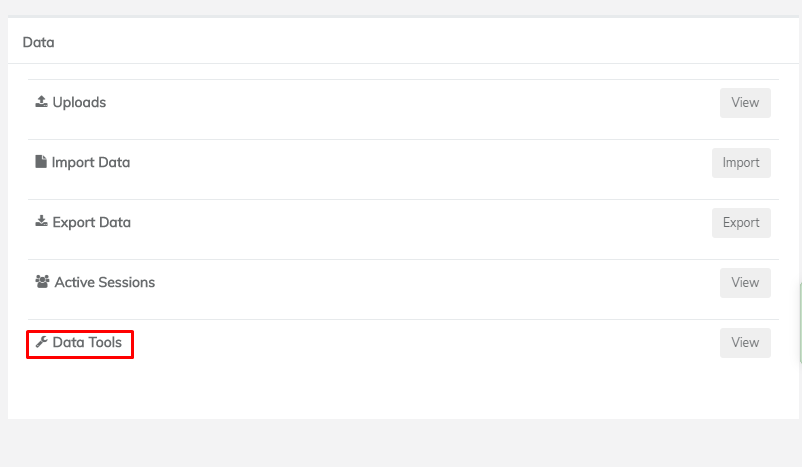
From the Dashboard of the project you wish to reset workloads in, click the 'Data Tools' list item in the 'Data' box:
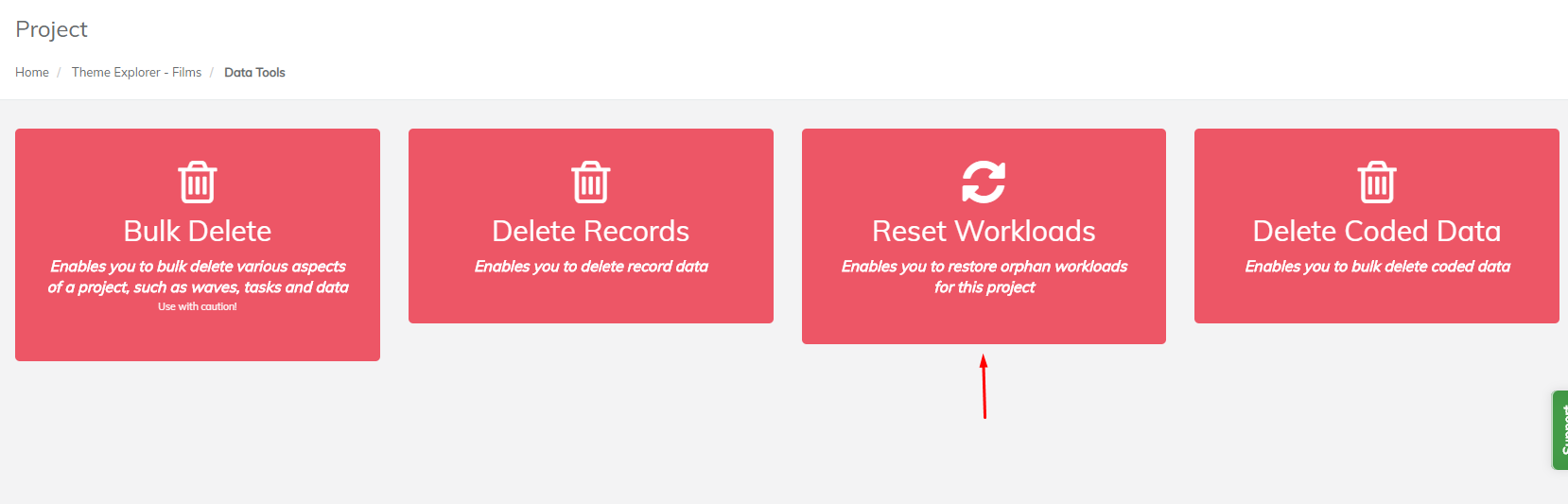
Click on 'Reset Workloads':
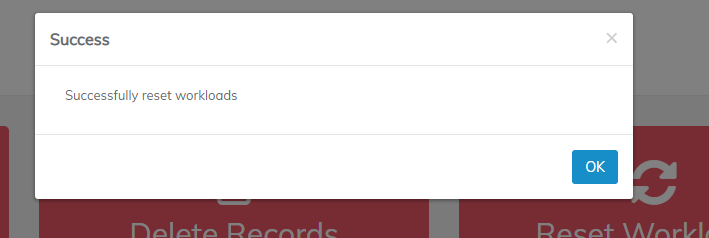
If successful, a confirmation dialog should pop up: