Merging (or Combining) Codes
It is possible to merge (or combine) 2 or more codes at any moment during the coding process.
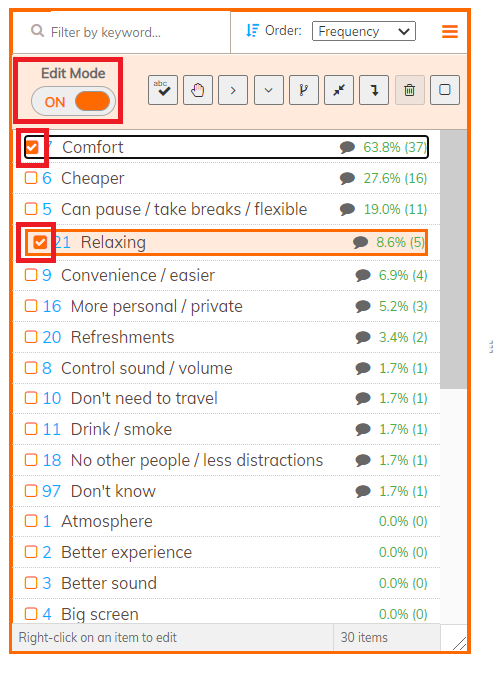
To combine codes, toggle on Edit mode and select the codes you want to merge:
To combine codes, toggle on Edit mode and select the codes you want to merge:
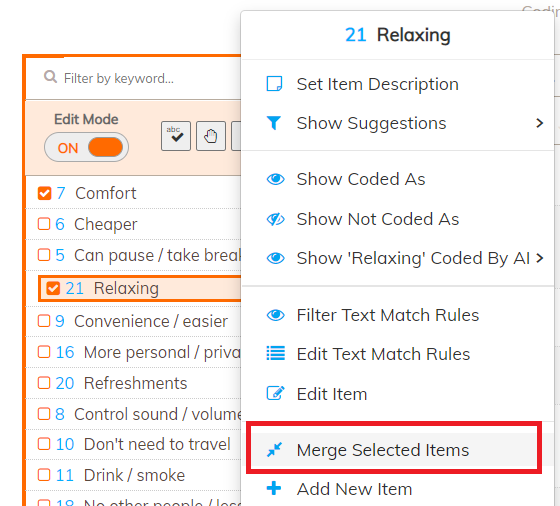
You can right-click and select "Merge Selected Items":
You can also click on the "Merge selected items" icon in the codeframe toolbar:
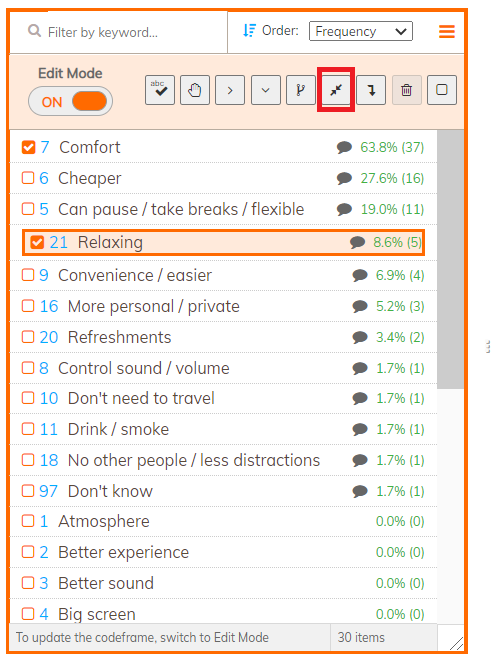
All the codes selected will be merged into the first code selected, which is highlighted in orange. In the screenshots above, the first code selected is "Relaxing".
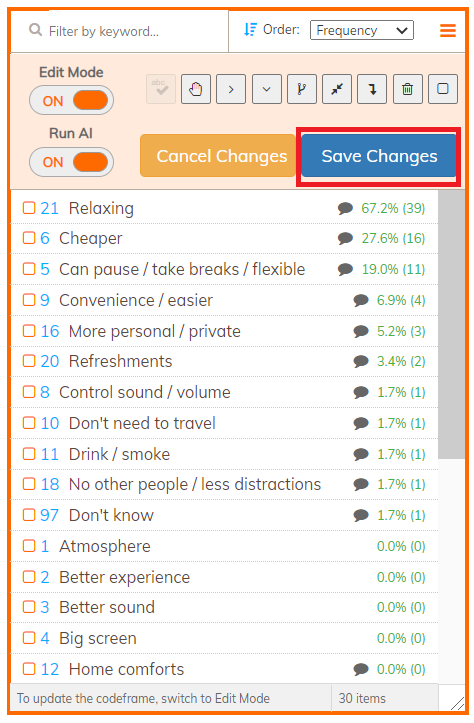
Once the merging has been done, click "Save Changes" to confirm the changes.