Overriding a Variable's Language After Import
Introduction
In addition to importing a file into Codeit using a single language, you may also want to define the language for a variable separately, for example, in the case where the majority of a file is in French, but one or more columns are in English. In this case, you should import the file using the majority language, and follow the steps outlined below.
Setting the language of a variable
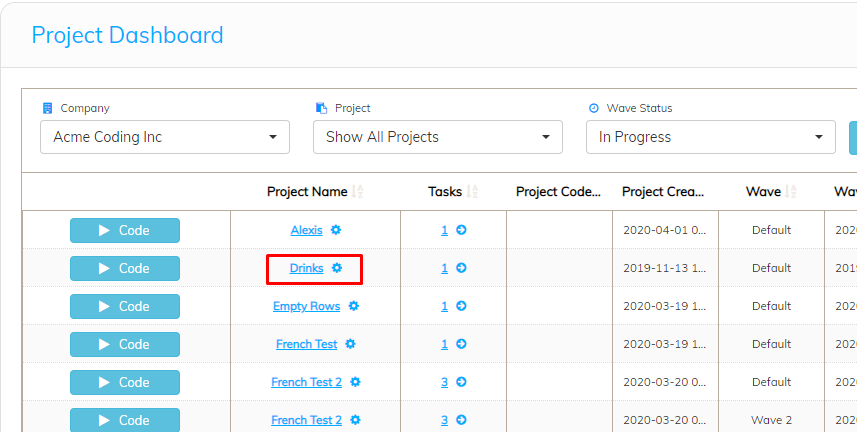
From the Project Dashboard, click the name of the project that contains variables you want to change the language of:
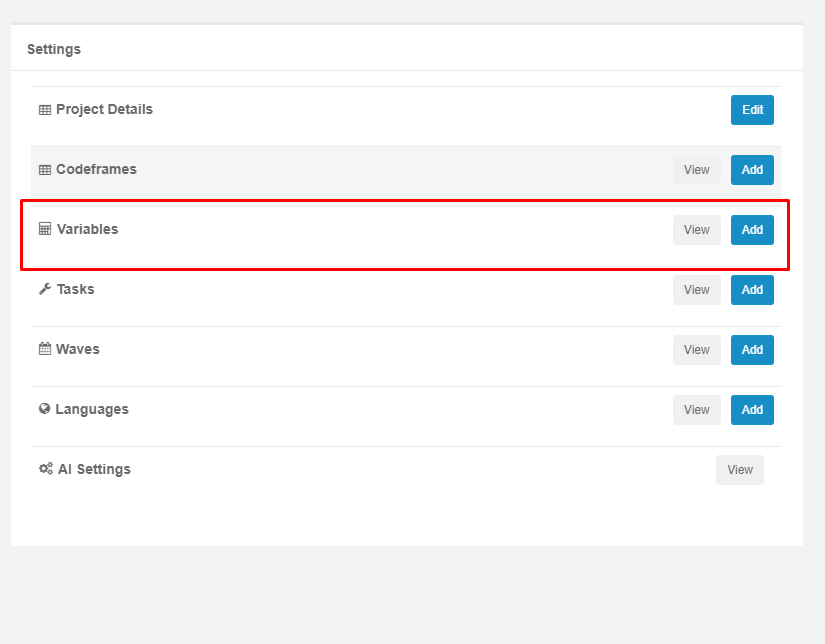
Click the 'Variables' button:
Click 'Edit Variable' for the variable you wish to change the language of:

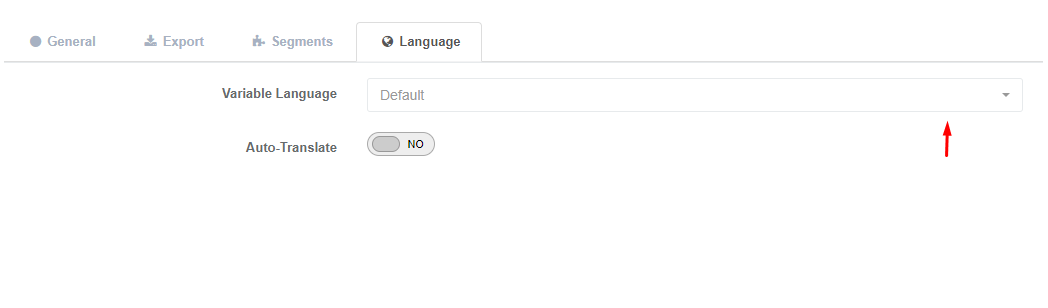
Click on the 'Language' tab:

Select the variable's language from the dropdown displayed:
Once you are happy with your selection, click 'Save Changes'. Repeat this process for any other variables you wish to change the language of.