Using Filters in Theme Explorer
The Theme Explorer user interface has a lot of filters to allow you to quickly navigate within the themes.
Settings Menu
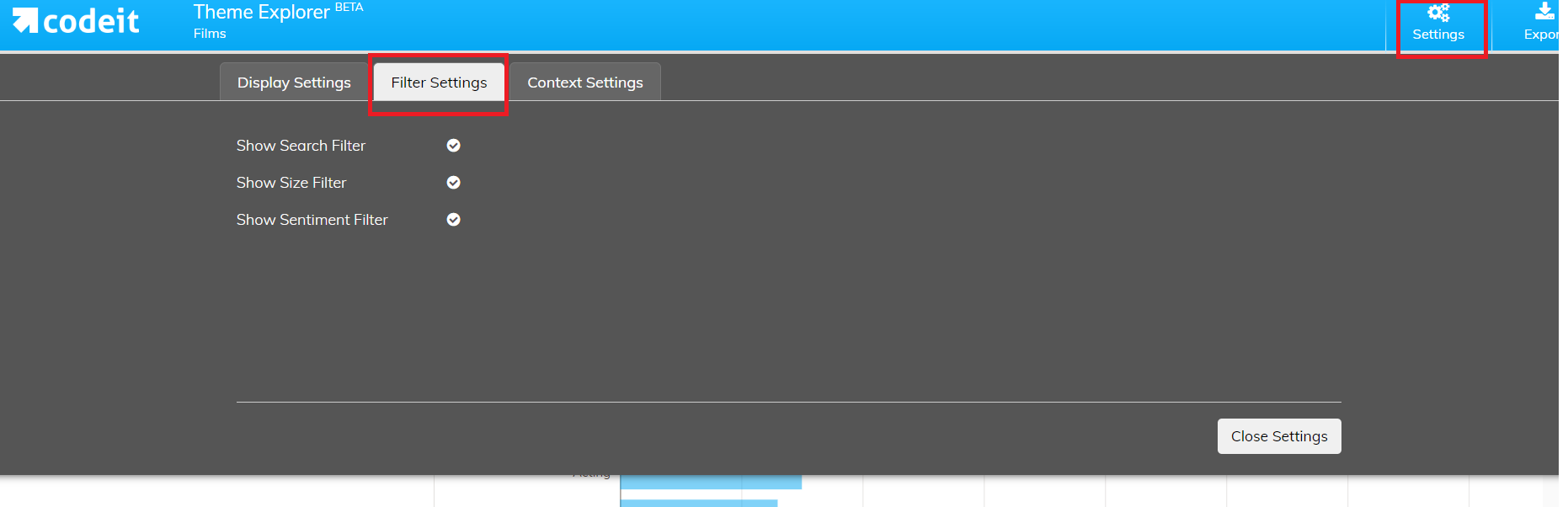
In the Settings menu, you can control which filters are enabled:
Settings Menu
In the Settings menu, you can control which filters are enabled:
Search Functionality
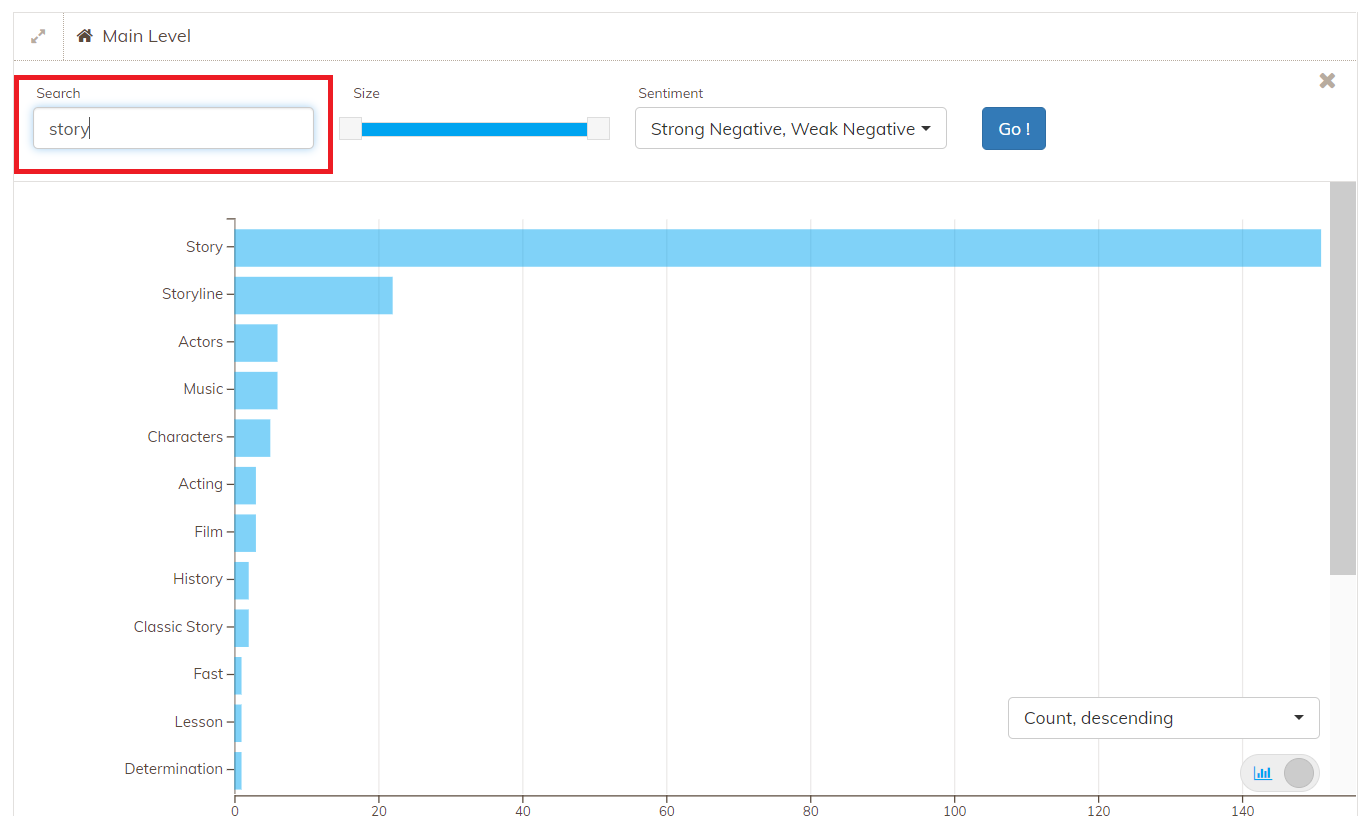
With the search, you can quickly filter the underlying data. The themes shown below all contain the text "story" in some of the underlying segments.
Size
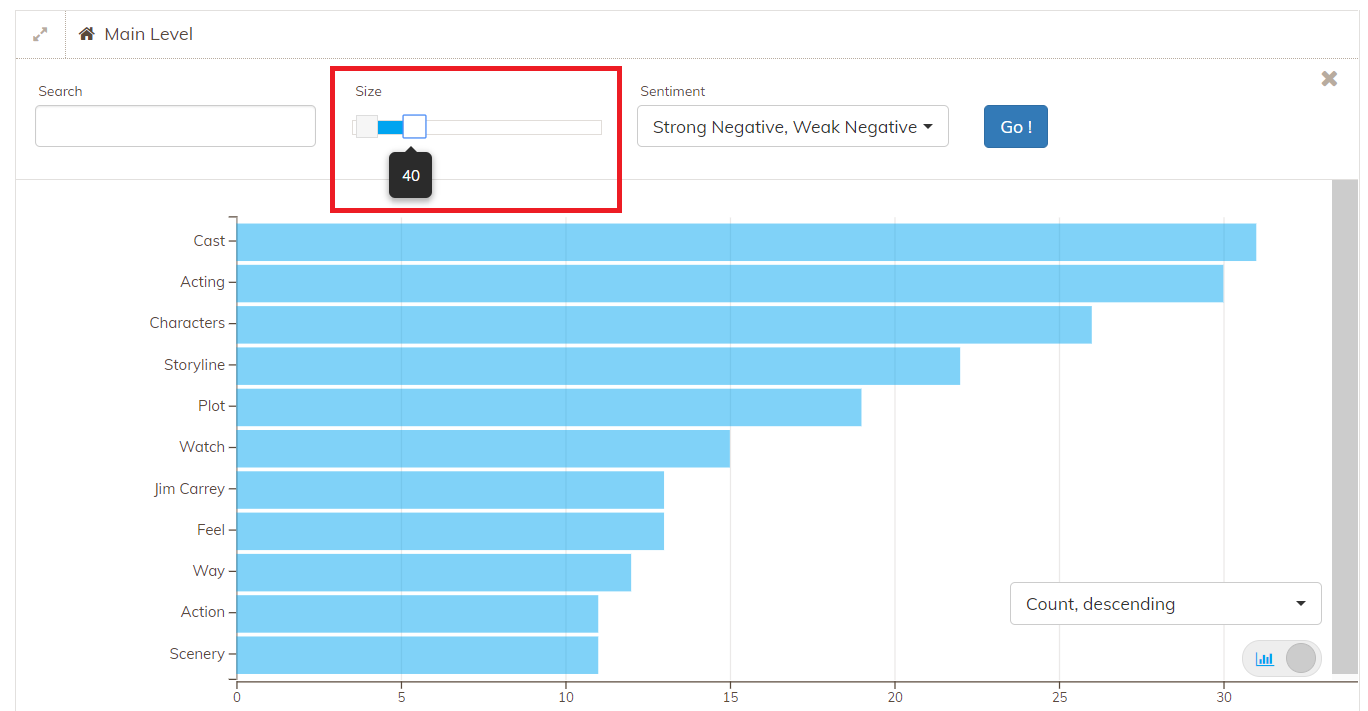
Using the size slider, you can filter only the themes with a number of respondents within the specified range.
Sentiment
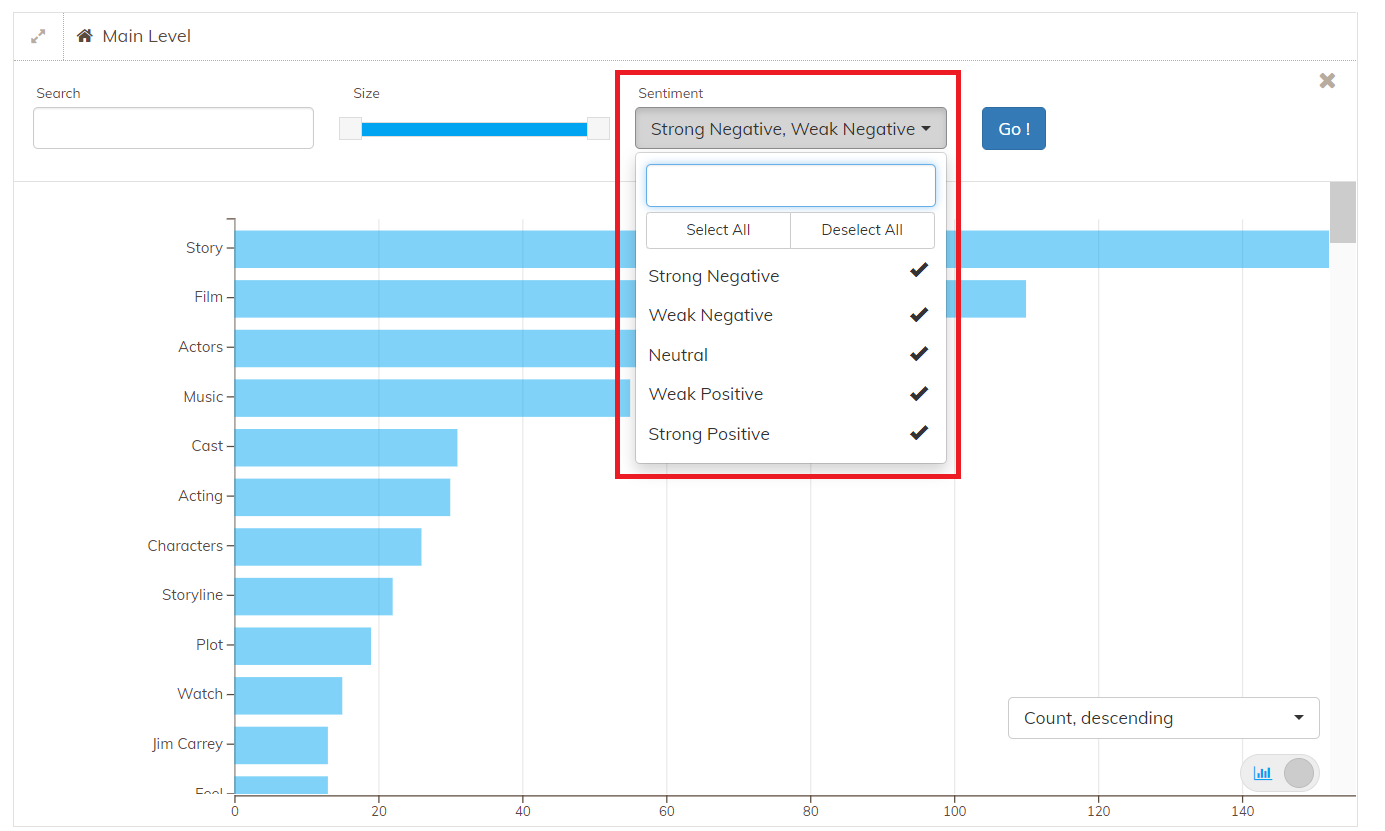
You can filter directly only the very positive or negative comments by using the Sentiment filter
Context Variable Filters
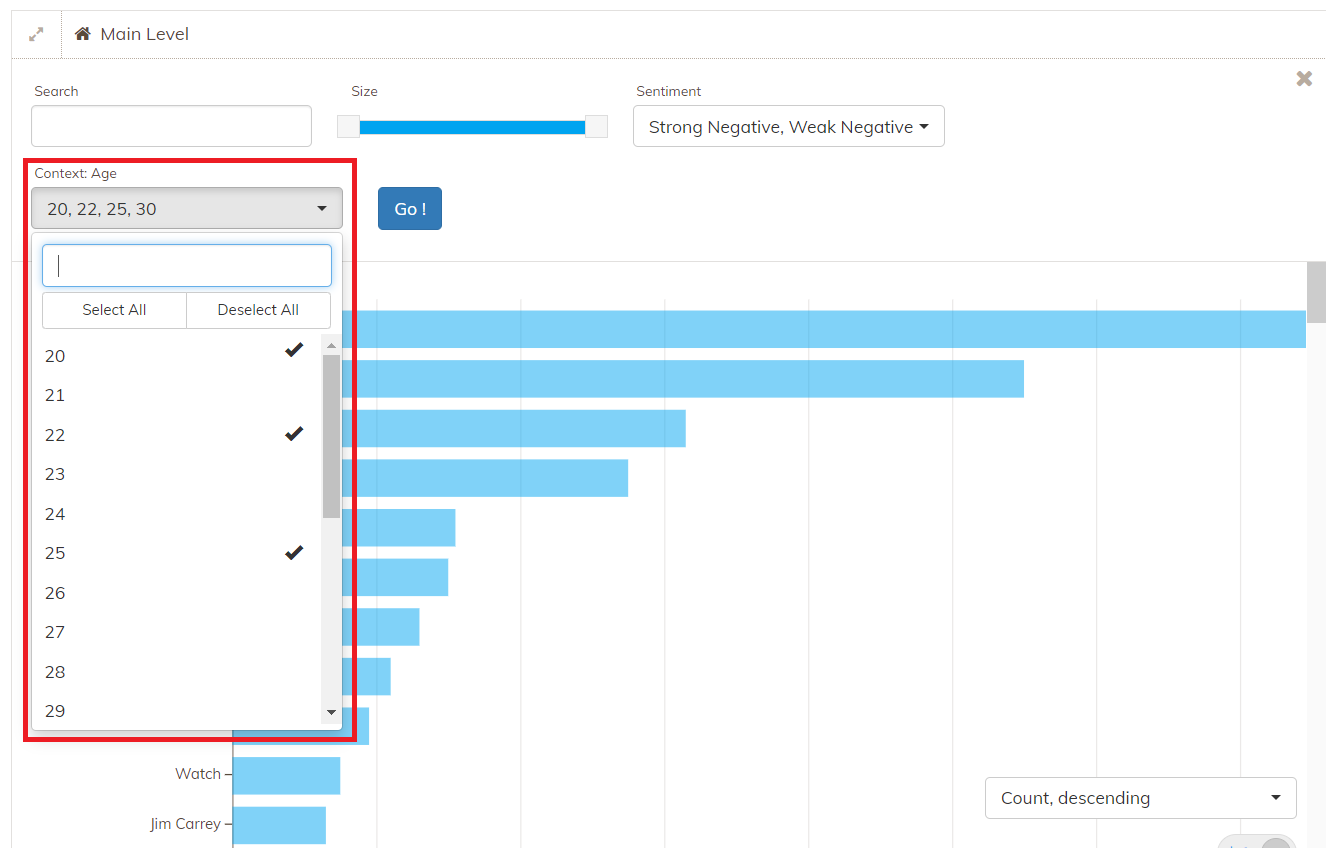
You can also filter based on a context variable value.
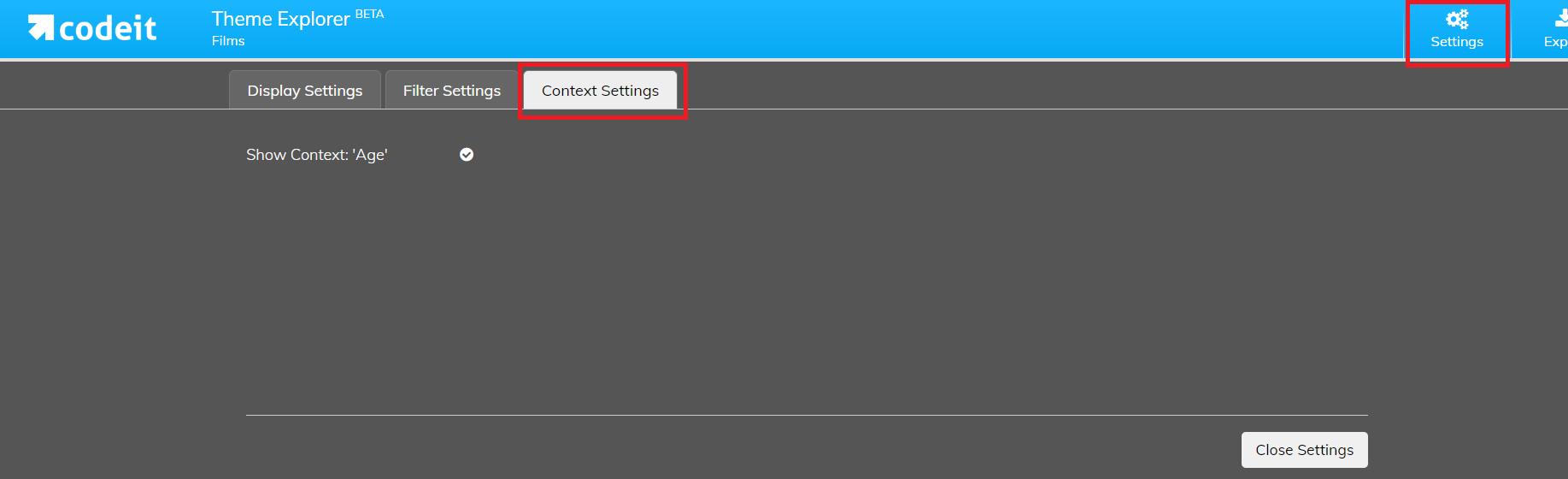
To enable this filter, select "Context Settings" in the Settings menu
Then you can filter Themes based on specific context variable values: